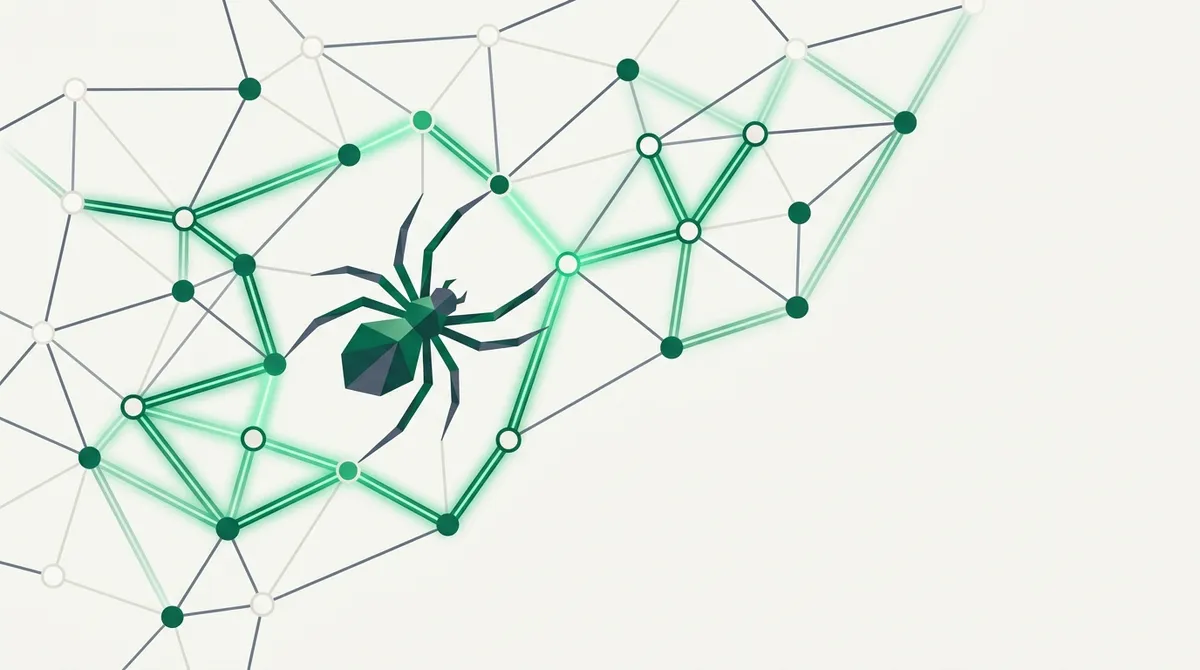
Quick answer: Web crawling is the automated process of discovering pages by following links. A crawler starts from a list of seed URLs, downloads each page, extracts every link it finds, adds the new ones to a queue, and repeats until it runs out of pages or hits a limit. It's how Google finds the web, and it's the first step in any project that needs data from more than a handful of known URLs.
That's the whole idea. The interesting part is everything that goes wrong when you actually build one, so let me walk through how crawlers work in practice.
The Core Loop: Fetch, Extract, Enqueue
Every crawler, from a 30-line Python script to Googlebot, runs the same loop:
- Pull a URL from the queue.
- Fetch the page.
- Extract the links from the HTML.
- Filter out URLs you've already seen or don't care about.
- Add the survivors to the queue.
- Go to step 1.
The queue of URLs waiting to be fetched has a proper name: the crawl frontier. On a small crawl it's a Python list. On a large crawl it's a prioritized, deduplicated, persistent data structure, because the frontier grows much faster than you can drain it. A single page can add fifty new URLs to the frontier while removing only one.
That asymmetry is the defining problem of crawling. You never run out of links. You run out of patience, budget, or memory first, which is why every serious crawler has depth limits, page limits, and URL filters.
Crawling vs Scraping: Not the Same Job
People use these words interchangeably and it causes real confusion. The short version: crawling is discovering pages, scraping is extracting data from pages. A crawler answers "what URLs exist?" A scraper answers "what does this page say?"
Most real projects do both: crawl to build the URL list, then scrape each URL for the fields you want. But they're separable skills with separate failure modes, and I wrote a full comparison in web crawling vs web scraping if you want the details.
Politeness: robots.txt and Not Being a Jerk
A crawler is a robot hammering someone else's server. There are conventions for doing this without being a menace, and ignoring them gets you blocked fast.
| Rule | What it means in practice |
|---|---|
| Respect robots.txt | Fetch /robots.txt first, skip disallowed paths |
| Rate limit | One request every 1-2 seconds per domain is a sane default |
| Identify yourself | Set a User-Agent with contact info |
| Back off on errors | 429 or 503 means slow down, not retry harder |
| Crawl off-peak | Big crawls of small sites are kinder at 3am their time |
robots.txt isn't legally binding in most places, but it's the closest thing the web has to a posted speed limit. Respecting it is both good citizenship and good engineering, because sites that detect abusive crawlers respond with IP bans and CAPTCHAs that make your job much harder.
What Web Crawling Is Actually Used For
Search engines are the famous example, but they're a small fraction of the crawlers running right now. The common real-world jobs:
- Search indexing. Google, Bing, and every internal site search product.
- AI training and retrieval. LLM companies crawl the web for training data, and RAG pipelines crawl specific sites to build knowledge bases.
- Price and product monitoring. Crawl a retailer's category pages to discover products, then track them.
- SEO auditing. Crawl your own site to find broken links, redirect chains, and orphaned pages.
- Archiving. The Internet Archive's Wayback Machine is one giant, permanent crawl.
- Lead and market research. Discovering company pages, job postings, or listings at scale.
If your project starts with "I need data from every page on this site" or "I need to find all the pages that mention X," you need a crawler.
A Minimal Crawler in Python
Here's the whole concept in about 25 lines. It crawls one domain, breadth-first, with a page cap:
import time
from collections import deque
from urllib.parse import urljoin, urlparse
import requests
from bs4 import BeautifulSoup

def crawl(seed, max_pages=50):
    domain = urlparse(seed).netloc
    frontier = deque([seed])
    seen = {seed}
    while frontier and len(seen) <= max_pages:
        url = frontier.popleft()
        try:
            resp = requests.get(url, timeout=10,
                headers={"User-Agent": "my-crawler/1.0"})
        except requests.RequestException:
            continue
        print(resp.status_code, url)
        soup = BeautifulSoup(resp.text, "html.parser")
        for a in soup.select("a[href]"):
            link = urljoin(url, a["href"]).split("#")[0]
            if urlparse(link).netloc == domain and link not in seen:
                seen.add(link)
                frontier.append(link)
        time.sleep(1)  # politeness delay

crawl("https://example.com")
This works on simple sites. It fails on JavaScript-rendered sites (no links in the raw HTML), sites with bot protection, and anything big enough to need retry logic and persistence. That gap between the toy and production is where most crawling projects die.
The Shortcut: Let an API Do the Fetching
The loop above is easy. The hard parts are everything inside requests.get: JavaScript rendering, proxies, CAPTCHAs, and getting clean text instead of HTML soup. That layer is what link.sc handles. You keep your own frontier logic and swap the fetch for an API call that returns clean markdown:
curl https://link.sc/v1/fetch \
  -H "Authorization: Bearer lsc_your_key" \
  -H "Content-Type: application/json" \
  -d '{"url": "https://example.com/docs/pricing", "format": "markdown"}'
Markdown output also means your link extraction and your content extraction happen in one request, which matters when the crawl is feeding an LLM. The quickstart shows the full response shape, and if you want to crawl a whole site rather than page by page, I covered that pattern in how to crawl an entire website.
When You Don't Need a Crawler
Honest caveat: crawling is the answer less often than beginners think.
If the site has a sitemap.xml, that's the URL list already built, no discovery needed. If the site has an API or RSS feed, use it. If you need ten known URLs, that's fetching, not crawling. Crawl when discovery is genuinely the problem: unknown URLs, no sitemap, or content spread across pagination that nothing else enumerates.
Starting with the simplest tool that works will save you weeks.
Need to crawl and fetch pages without building the infrastructure? link.sc turns any URL into clean markdown with one API call, and the free tier includes 500 credits a month.