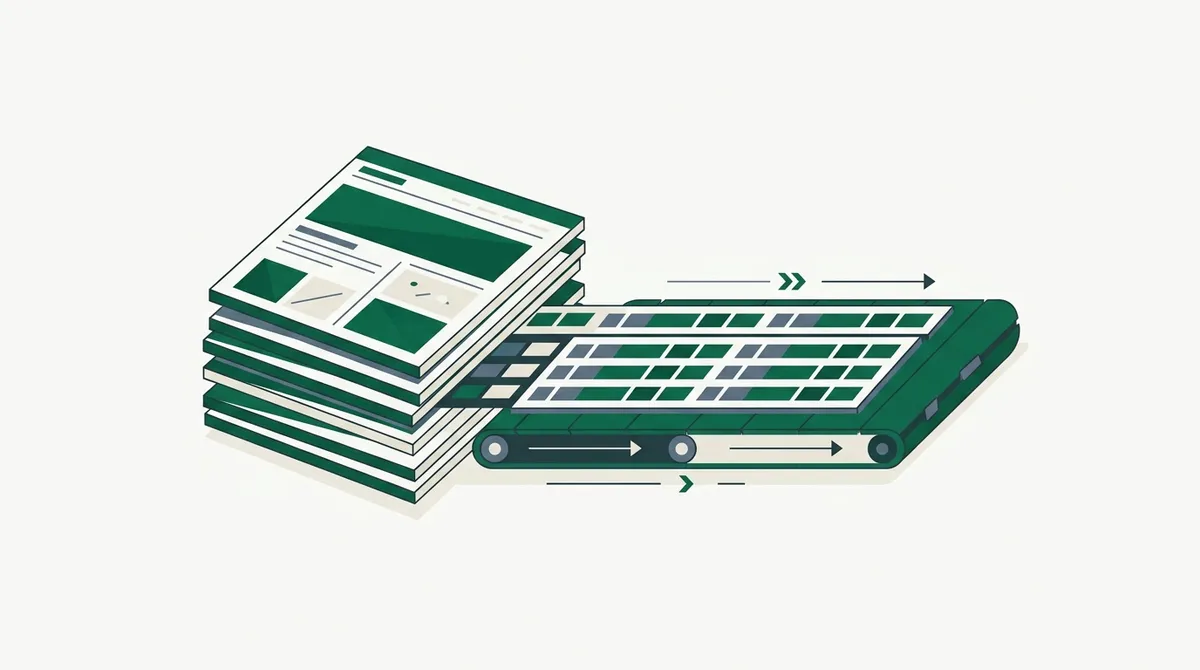
Quick answer: A data crawler is an automated program that systematically visits sources (usually websites) and extracts structured data from them on a schedule. It combines two jobs: crawling (discovering which pages to visit) and scraping (pulling specific fields out of each page), then adds the parts that make it a system rather than a script: scheduling, deduplication, and storage. If a web crawler builds a map and a scraper reads one page, a data crawler runs the whole route every day and files what it finds.
The term is fuzzy marketing-adjacent English, so before anything else, let me pin down how it relates to its two better-defined cousins.
Data Crawler vs Web Crawler vs Scraper
| Term | Core job | Output | Example |
|---|---|---|---|
| Web crawler | Discover pages by following links | A list of URLs (or an index) | Googlebot mapping a site |
| Scraper | Extract fields from known pages | Structured records | Pulling price and title from one product page |
| Data crawler | Discover, extract, and repeat on schedule | A maintained dataset | Nightly job tracking every product in a category |
A web crawler cares about coverage, not content: its product is the URL list. A scraper cares about content, not discovery: it assumes you already know the URLs (I've unpacked that side in what is a scraper tool). A data crawler is the pipeline that does both, plus the operational glue, because the value is in the maintained dataset, not any single fetch.
In practice, when someone says "we need a data crawler," they mean: a recurring, unattended process that keeps a database current with what's on certain websites.
What Data Crawlers Are Actually Used For
The pattern shows up wherever a business decision depends on someone else's website:
- Price intelligence. Retailers crawling competitor prices nightly, the classic case.
- Listings aggregation. Real estate, jobs, cars, rentals: crawl many source sites, normalize into one schema. This overlaps heavily with list crawling, where the target is repeating structured entries.
- Documentation and knowledge ingestion. Crawling docs sites, changelogs, and wikis into a vector database for RAG, the fastest-growing use case I see.
- Lead and company data. Crawling directories and company sites for firmographic fields.
- Monitoring and compliance. Watching pages for changes: terms of service, regulatory notices, stock status.
The common thread: the data already exists in public, rendered form; nobody offers it as a feed; and stale data is worthless. The crawler's job is turning "it's on their website" into "it's in our database, current as of last night."
Architecture of a Simple Data Crawler
Every data crawler I've built or reviewed reduces to five boxes:
- Scheduler. Cron, Airflow, or a cloud scheduler that kicks off runs.
- Frontier / URL source. Sitemaps, category pages, or stored URLs from prior runs, deduplicated.
- Fetcher. Downloads each page. This is where JavaScript rendering, proxies, and bot defenses live, and it's 80% of the operational pain.
- Parser. Turns each page into a typed record.
- Store + differ. Writes records, flags what changed since last run.
Here's a compact version of boxes 2-5, using link.sc as the fetcher so rendering and blocking are somebody else's problem, and JSON extraction so the parser is a schema instead of brittle CSS selectors:
import requests, sqlite3, time

API = "https://link.sc/v1/fetch"
HEADERS = {"Authorization": "Bearer lsc_your_key"}

SCHEMA = {
    "name": "product name",
    "price": "current price as a number",
    "in_stock": "true if purchasable",
}

def crawl(urls):
    db = sqlite3.connect("products.db")
    db.execute("""CREATE TABLE IF NOT EXISTS products
        (url TEXT PRIMARY KEY, name TEXT, price REAL,
         in_stock INTEGER, seen_at TEXT)""")
    for url in urls:
        resp = requests.post(API, headers=HEADERS, json={
            "url": url, "format": "json", "schema": SCHEMA,
        })
        item = resp.json()["data"]
        db.execute(
            "REPLACE INTO products VALUES (?,?,?,?,datetime('now'))",
            (url, item["name"], item["price"], item["in_stock"]),
        )
        db.commit()
        time.sleep(1)
Wrap that in a nightly cron job and a change-detection query, and you have a legitimate data crawler. The parts I skipped (retries, alerting when a source site redesigns, backfill) are exactly the parts that grow as your source count grows.
The Failure Modes Nobody Warns You About
Fetching failures are loud; these are the quiet ones that corrupt datasets.
Silent schema drift. The site redesigns, your selector now grabs the strikethrough price instead of the sale price, and nothing errors. Defense: validation rules on every field (price within sane bounds, name non-empty) and alerts on sudden distribution shifts.
Duplicate identity. The same product appears at three URLs. Without canonical IDs, your "12,000 products" is really 8,000. Defense: dedupe on a stable key (SKU, normalized title), never on URL.
Politeness debt. A crawler that runs fine at 100 pages gets your IP banned at 10,000. Rate limits, robots.txt, and identifying yourself aren't optional at data-crawler scale; the compliance side deserves its own read: ethical web scraping best practices.
Build vs Rent: Where the Line Actually Is
The crawl logic (scheduler, store, differ) is easy and specific to your business: build that. The fetch-and-parse layer is hard and generic: rent it unless it's your core business.
Concretely, I'd build fully in-house only when the scale is enormous enough that per-request API pricing loses to owned infrastructure, or the targets are internal systems with no bot defenses. For everything else, an API fetcher means your maintenance surface is a schema definition instead of a proxy fleet. link.sc pricing starts free (500 credits a month) precisely so you can find out how your target sites behave before spending anything.
The honest test: if your team has never operated headless browsers and proxy rotation in production, your first data crawler should rent the fetch layer. You can insource later with data in hand; recovering three lost months of dataset history is impossible.
Getting Started This Week
Pick one source site and one question the data should answer. Enumerate URLs from the sitemap if one exists. Define the record schema before writing any code. Run the fetch loop above against 20 pages and inspect every record by hand. Only then scale up and schedule it.
Most data crawler projects fail from skipping that inspection step, not from technical limits. The quickstart will get the fetch call working in about five minutes; the schema thinking is on you.
Ready to turn websites into a dataset? Create a free link.sc account and get 500 credits a month to start crawling.