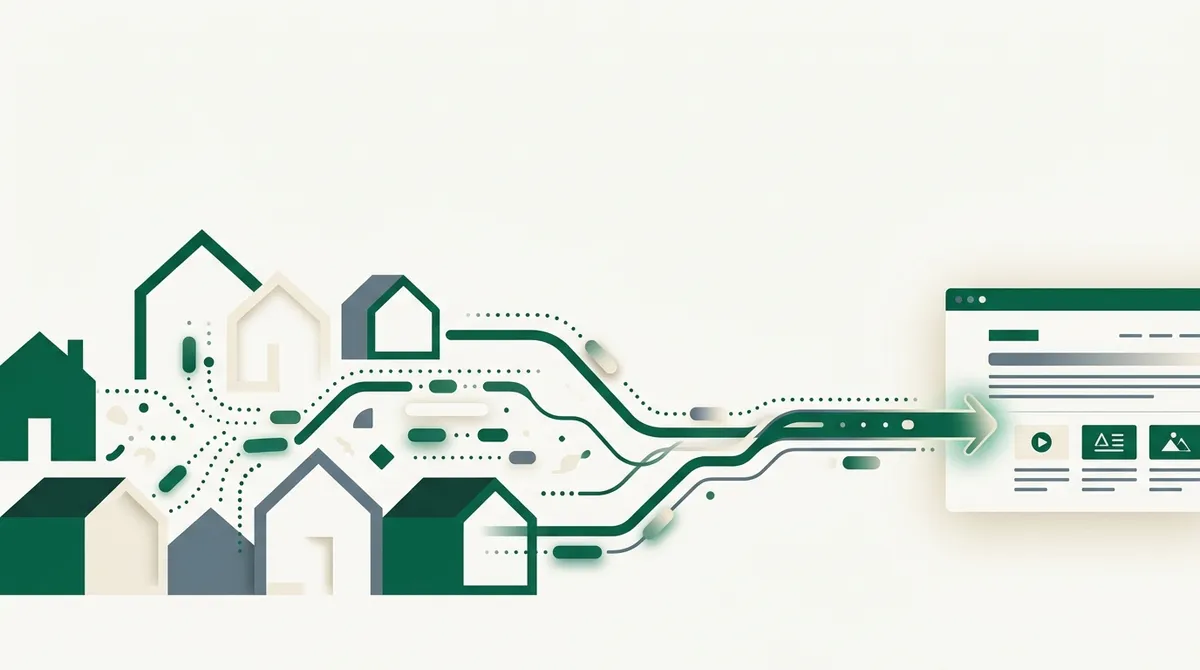
Quick answer: A residential proxy routes your requests through IP addresses assigned by consumer ISPs to real homes, so your traffic looks like it comes from a regular household instead of a datacenter. Sites trust these IPs far more, which is why residential proxies get through blocks that kill datacenter traffic. You need them when a site blocks by IP reputation; you don't need them for the large share of the web that doesn't check.
I'll cover how they work, how rotation works, what they cost, and (because this industry has a real ethics problem) where those IPs actually come from.
What a Residential Proxy Actually Is
Every IP address carries metadata: which organization owns it, and what type of network it belongs to. Anti-bot systems buy this data and sort visitors into buckets before reading a single byte of your request.
- Datacenter IPs belong to hosting providers (AWS, Hetzner, OVH). Almost no human browses from one, so they start every interaction under suspicion.
- Residential IPs belong to consumer ISPs (Comcast, BT, Deutsche Telekom) and map to real homes. Blocking them means blocking customers, so sites are reluctant.
- Mobile IPs belong to carrier networks. Thousands of real phones share each IP through carrier-grade NAT, which makes blocking one catastrophic for the site. These are the most trusted and the most expensive.
A residential proxy provider maintains a pool of exit points on consumer connections, often millions of IPs across many countries. You send your request to their gateway; it exits from someone's home connection; the target site sees a household visitor.
That's the entire trick. There's no protocol magic, just borrowed reputation.
Why Sites Trust Them More
When an anti-bot system scores a request, IP reputation is typically the first and cheapest signal. A datacenter IP might get an immediate block or a CAPTCHA before any other check runs. In my own testing of failed fetches, IP reputation is the single biggest cause of blocks, bigger than fingerprinting and JavaScript challenges combined.
The economics explain the asymmetry. If a site false-positives a datacenter IP, it loses a bot or a VPN user. If it false-positives a residential IP shared by a family of five, it loses customers and generates support tickets. Anti-bot vendors tune accordingly.
One caveat: residential does not mean invisible. Heavily defended sites score IPs individually, and a residential IP that made ten thousand requests this week gets flagged too. It buys you the benefit of the doubt, not immunity.
The Pricing Model: You Pay Per Gigabyte
Datacenter proxies are priced per IP per month, and they're cheap. Residential proxies are priced per gigabyte of transferred traffic, and they're not. Expect an order of magnitude or two more per unit of traffic, with price dropping at volume.
This changes how you engineer. Per-GB pricing punishes waste, and web pages are heavy: one page with images, fonts, and scripts can be a few megabytes. Through a residential proxy, every byte bills.
Practical consequences:
- Block images, media, and fonts if you're driving a browser through the proxy.
- Prefer plain HTTP fetches over headless browsers when the site allows it; a browser can pull 10-50x the bytes for the same content.
- Route only blocked domains through residential. Sending your whole crawl through it is burning money on sites that would've answered a plain request.
Rotation: Per-Request vs Sticky Sessions
Providers give you one gateway endpoint and control rotation through credentials or parameters. There are two modes, and picking the wrong one causes weird bugs.
| Mode | What happens | Use it for |
|---|---|---|
| Per-request rotation | Every request exits from a different IP | Stateless fetching of many independent pages |
| Sticky session | You keep one IP for a window (often 1-30 minutes) | Logins, carts, multi-step flows, anything with server-side session state |
Per-request rotation is the default and usually what you want for scraping public pages: no single IP accumulates a suspicious request pattern.
Sticky sessions matter the moment state is involved. If your session cookie was issued to one IP and the next request arrives from a different country, many sites invalidate the session or throw a challenge. Sticky mode is typically selected by embedding a session ID in the proxy username:
# typical provider convention (varies by vendor)
username:  customer-abc123-session-checkout42-ttl-600
password:  yourpassword
endpoint:  gateway.provider.example:7777
Same session ID, same exit IP, until the TTL expires. New ID, new IP.
Also worth knowing: rotation does not reset rate limits keyed to cookies, tokens, or accounts. If you're hitting per-account limits, new IPs won't help, and the fix is respecting the limit (see our HTTP 429 guide).
When You Actually Need Them (and When You Don't)
Most people reach for residential proxies too early. My decision order:
- Plain fetch first. A well-formed request with sane headers gets clean content from a very large share of the web. Free, fast, done.
- Better client, same IP. If you're blocked instantly, the problem may be your TLS fingerprint rather than your IP. Fix the client before renting IPs.
- Residential proxy. When the same request succeeds from your home connection but fails from your server, that's IP reputation, and this is the fix.
- Residential plus stealth browser. For sites running full behavioral anti-bot stacks, where IP is only one of several signals. More on that spectrum in curl vs headless vs stealth browsers.
Signals that you're at step 3: blocks appear only from cloud servers, errors are instant 403s rather than JavaScript challenges, or the site serves a CAPTCHA to your datacenter IP but not your laptop.
The Ethics Problem Nobody Puts on the Pricing Page
Those millions of residential IPs are real people's home connections. How providers get them ranges from acceptable to genuinely gross.
At the good end: paid bandwidth-sharing apps where users knowingly opt in for compensation. In the middle: free apps and VPNs where "your connection may be shared" is buried in the terms and no reasonable user understands they're becoming an exit node. At the bad end: SDKs bundled into apps with effectively no disclosure, functionally indistinguishable from a botnet with a privacy policy.
If you buy residential bandwidth, you're funding one of these models. It's worth asking a provider directly how their network is sourced and whether exits are compensated and can opt out; the good ones answer with specifics.
And the standard note, which I mean sincerely: proxies are a tool for reliably accessing public data at reasonable rates. Use them for public pages, honor rate limits, and don't use them to evade blocks on accounts you've contractually agreed not to automate. The line between scraping and abuse is mostly about what you take and how hard you hammer.
Or Skip the Proxy Management Entirely
Here's the thing I'd actually tell a friend: unless proxy infrastructure is your product, don't run it. Managing pools, rotation logic, per-GB budgets, and vendor quality is a part-time job that produces zero user-facing value.
Fetch APIs bundle all of it per-request. With link.sc, a fetch escalates through client and IP tiers automatically, so you send one call and get markdown back:
curl "https://link.sc/v1/fetch" \
  -H "Authorization: Bearer lsc_your_key" \
  -H "Content-Type: application/json" \
  -d '{"url": "https://example.com/products/widget", "format": "markdown"}'
You pay per successful request instead of per gigabyte, which is a much easier number to budget; pricing is here, and the free tier is enough to find out whether your target sites even need the heavy machinery.
Tired of babysitting proxy pools? Sign up for link.sc and get 500 free fetches a month with IP escalation built in.