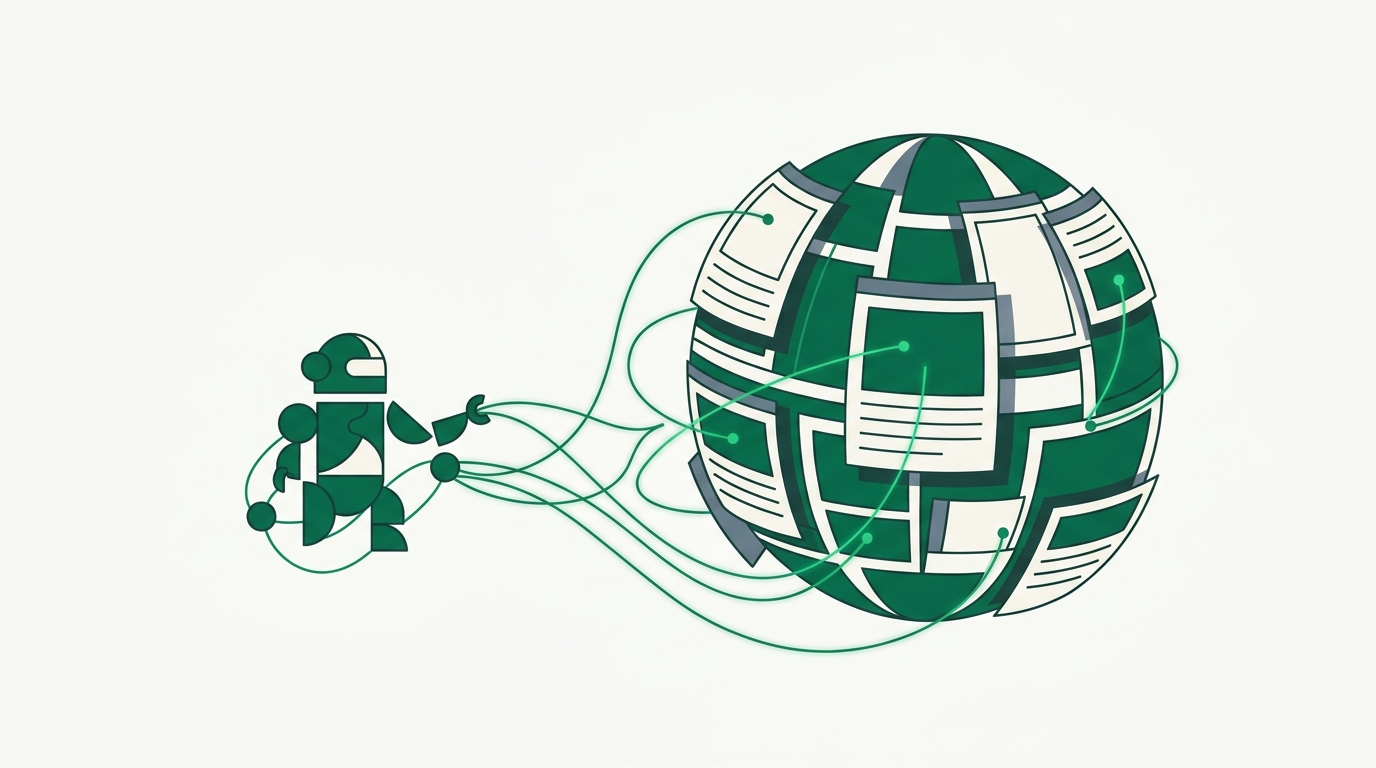
An LLM on its own is a very well-read colleague who stopped reading the day their training data was frozen. Ask about a library released last month, a price that changed this morning, or a competitor's new pricing page, and you get a confident guess. The fix is to stop asking the model to remember the web and start letting it read the web on demand.
This post walks through the options, then wires up a concrete agent that can search and fetch live pages.
Why the model is stuck at its cutoff
Every model has a training cutoff. After that date, it knows nothing. Worse, it usually does not tell you it knows nothing. It interpolates from patterns and hands you an answer that reads fine and is quietly wrong.
You cannot retrain your way out of this. Retraining is expensive and still leaves a cutoff. The practical answer is retrieval: give the model a way to pull fresh information into its context at request time, and tell it to answer from that instead of from memory.
There are three common ways to do that.
The three options
Function/tool calling plus a fetch/search API. You define a couple of tools ("search the web", "fetch a URL"), and the model decides when to call them. This is the most direct route and the one most agents use in production. You own the loop, so you control cost, caching, and what gets injected into context.
MCP (Model Context Protocol). An open standard for exposing tools to LLM clients like Claude Desktop, Cursor, and Windsurf. Instead of hand-writing tool schemas per app, you point the client at an MCP server and it discovers the tools automatically. Great inside those clients; less relevant when you are building your own backend agent.
RAG (retrieval-augmented generation). You pre-index documents into a vector store and retrieve the relevant chunks at query time. RAG is excellent for a known corpus, like your own docs or a support knowledge base. It is a poor fit for "anything on the open web right now," because you would have to crawl and re-index the entire internet to keep it fresh. For live web data, tool calling beats RAG.
Most real systems combine them: RAG for your private corpus, tool calling for the live web.
The DIY path and its tradeoffs
You can build web access yourself. Grab a search API, add an HTTP client, parse the HTML with readability, strip boilerplate, and feed the result to the model. For a handful of friendly sites, this works.
Then reality shows up. Many pages render content with JavaScript, so a plain HTTP GET returns an empty shell. Some sites sit behind Cloudflare and block datacenter IPs outright. You end up maintaining a headless browser fleet, a proxy pool, retry logic, and an HTML-to-Markdown pipeline that keeps breaking on edge cases. None of that is your product. It is infrastructure you now own forever.
That is the tradeoff to weigh honestly: DIY gives you full control and no per-request fee, but the maintenance cost is real and recurring.
Wiring up an agent with link.sc
link.sc collapses that infrastructure into two endpoints. /v1/search takes a query and returns structured results with titles, URLs, and descriptions; /v1/fetch takes a URL and returns clean markdown, JSON, HTML, or a screenshot. It handles rendering, proxies, and retries by escalating cheapest-first, so you do not think about which sites need a browser.
Here are the two tools as an agent would define them, using the Claude tool-calling format:
import anthropic, requests

client = anthropic.Anthropic()
LINKSC = {"x-api-key": "lsc_..."}

tools = [
    {
        "name": "web_search",
        "description": "Search the web for current information. Returns result titles, URLs, and descriptions.",
        "input_schema": {
            "type": "object",
            "properties": {"query": {"type": "string"}},
            "required": ["query"],
        },
    },
    {
        "name": "fetch_url",
        "description": "Fetch a single URL and return its content as clean markdown.",
        "input_schema": {
            "type": "object",
            "properties": {"url": {"type": "string"}},
            "required": ["url"],
        },
    },
]

def run_tool(name, args):
    if name == "web_search":
        r = requests.post("https://api.link.sc/v1/search",
                          headers=LINKSC,
                          json={"q": args["query"], "engine": "google"})
    else:
        r = requests.post("https://api.link.sc/v1/fetch",
                          headers=LINKSC,
                          json={"url": args["url"], "format": "markdown"})
    return r.json()
The agent loop is standard: send the message with the tools, and if the model asks for a tool, run it and feed the result back until it stops.
messages = [{"role": "user", "content": "What changed in the latest Python release?"}]

while True:
    resp = client.messages.create(
        model="claude-opus-4-8",
        max_tokens=1024,
        tools=tools,
        messages=messages,
    )
    messages.append({"role": "assistant", "content": resp.content})

    tool_uses = [b for b in resp.content if b.type == "tool_use"]
    if not tool_uses:
        break

    results = [
        {"type": "tool_result", "tool_use_id": b.id,
         "content": str(run_tool(b.name, b.input))}
        for b in tool_uses
    ]
    messages.append({"role": "user", "content": results})
The model calls web_search, scans the returned titles and descriptions, calls fetch_url on the most promising targetUrl, and answers from what it actually read. A single fetch in curl is just as direct:
curl -X POST https://api.link.sc/v1/fetch \
  -H "x-api-key: lsc_..." \
  -H "Content-Type: application/json" \
  -d '{"url": "https://docs.python.org/3/whatsnew/", "format": "markdown"}'
Grounding cuts hallucinations
Tool access alone does not stop hallucinations. The instruction that does is telling the model to answer only from retrieved content and to say so when it is missing.
Add a system prompt along these lines: "Answer using the search and fetch results provided. If they do not contain the answer, say you could not find it. Cite the source URL for each claim." Now the model's job shifts from recall to reading comprehension over text you handed it, which is what LLMs are genuinely good at. Requiring citations also makes wrong answers easy to catch, because you can click the link and check.
What it costs
Cost comes from two meters: the LLM tokens and the web-data calls. Keep both down by returning markdown instead of raw HTML (far fewer tokens), fetching only the top few results rather than everything, and caching pages that do not change often.
On link.sc, one page or search is roughly one credit, and there are 500 free credits a month, which is enough to build and test a real agent before you pay anything.
Give your agent live web access today. Grab a key at link.sc/register or read the docs — 500 free credits a month to start.