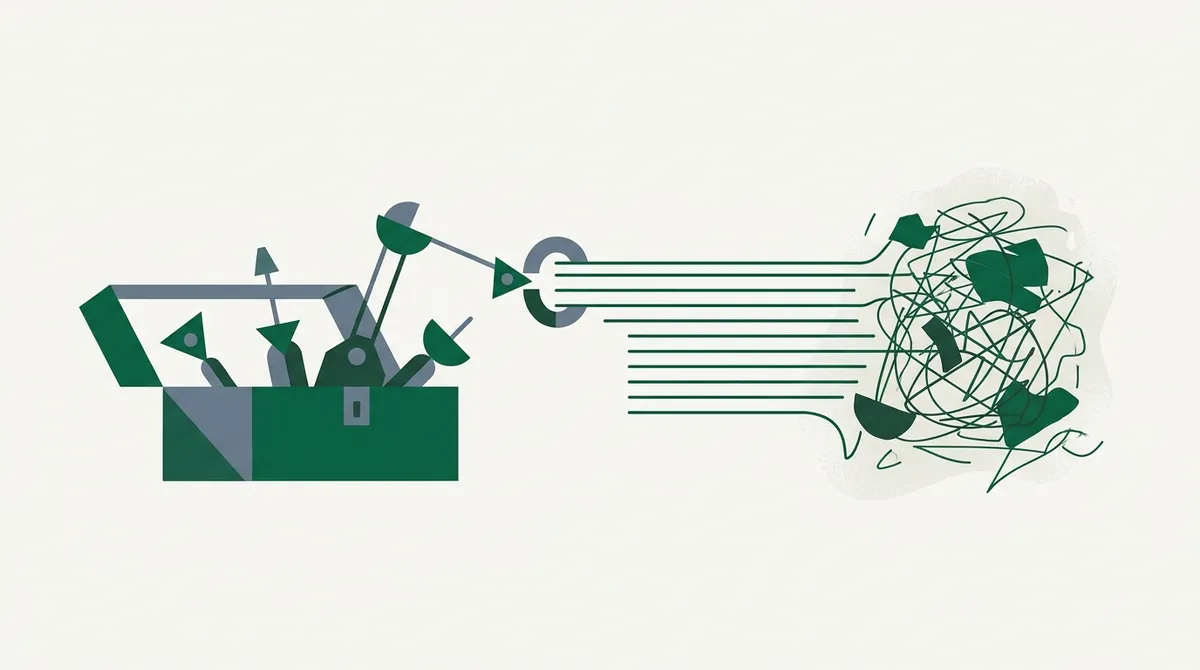
Quick answer: The best data extraction tool depends on your data source and your team's skills. For web data feeding an application or LLM, use an API like link.sc or Firecrawl. For one-off jobs without code, use a browser extension or point-and-click extractor. For full control at scale, use open-source libraries like Scrapy or Crawl4AI. For PDFs and scanned documents, you need OCR and document-parsing tools, which are a different category entirely.
Most "best data extraction tools" lists throw twenty products at you with no structure. That's not helpful, because the right tool for scraping product prices has nothing in common with the right tool for parsing invoices.
So I'm organizing this by category instead. Figure out which category you're in, and the shortlist gets small fast.
Category 1: Web-Data APIs
These are hosted services with one job: you send a URL or a search query, they send back clean, structured data. Rendering, proxies, retries, and anti-bot handling are their problem, not yours.
link.sc is our product, so calibrate for bias, but the pitch is simple: fetch any URL and get back clean markdown or JSON built for LLM consumption, plus web search that returns full-page content instead of just snippets. One call looks like this:
curl https://link.sc/v1/fetch \
  -H "Authorization: Bearer lsc_your_key" \
  -H "Content-Type: application/json" \
  -d '{"url": "https://example.com/pricing", "format": "markdown"}'
There's a free tier of 500 credits a month, and pricing scales from there.
Firecrawl is a solid alternative in the same space, with a crawl-focused feature set and good developer mindshare. There are others (Jina Reader, Tavily for search-oriented work), and honestly, the category is healthy enough that you should run your ten hardest URLs through two or three of them and compare output quality.
Pick this category when: the data lives on websites, you're building something ongoing (a RAG pipeline, a monitoring job, an agent), and you'd rather pay per request than babysit proxy pools.
Category 2: No-Code Extractors
Point-and-click tools and browser extensions that let you select elements on a page and export a spreadsheet. Think Octoparse, ParseHub, Browse AI, and the various "web scraper" Chrome extensions.
I wrote a full guide to these in the no-code web scraping guide, so the short version: they're genuinely good for non-developers doing bounded jobs. A few hundred pages, a clear table structure, monthly exports.
Where they fall apart is scale and change. Sites redesign, selectors break, and fixing a broken visual recipe is often slower than fixing three lines of code. They also tend to struggle with heavy anti-bot protection.
Pick this category when: nobody on the team codes, the job is small to medium, and the site is cooperative.
Category 3: Open-Source Libraries
The build-it-yourself tier. Maximum control, minimum recurring cost, maximum maintenance burden.
- BeautifulSoup (Python): the classic HTML parser. Great for parsing, but it doesn't fetch or render anything on its own. Pair it with
requestsorhttpx. - Scrapy (Python): a full crawling framework with scheduling, pipelines, and middleware. The right choice for large, structured crawls you'll run for years.
- Crawl4AI (Python): a newer library aimed specifically at producing LLM-ready output, with browser rendering built in. If your endpoint is an LLM, it's worth a look.
- Playwright / Puppeteer (Node or Python): browser automation for JavaScript-heavy sites. See scraping JavaScript-rendered websites for when you actually need this.
The honest tradeoff: libraries are free until you count engineering time. Proxies, CAPTCHA handling, and site changes are all your responsibility. That's fine if scraping is core to your product, and a slow leak of hours if it isn't.
Pick this category when: you have developers, unusual requirements, or volume high enough that per-request API pricing hurts.
Category 4: Document and ETL Extraction
Completely different problem: the data isn't on a web page, it's inside PDFs, scans, emails, or spreadsheets.
- OCR and document AI: tools like Tesseract (open source) or the cloud document-AI services from AWS, Google, and Azure turn scans and PDFs into text and structured fields. Invoice and receipt parsing lives here.
- PDF parsing libraries: pdfplumber and PyMuPDF for digitally generated PDFs, where the text layer already exists and you just need it out cleanly.
- ETL platforms: Airbyte and similar tools "extract" too, but from databases and SaaS APIs rather than unstructured content. If your source has an official API or connector, always use it before scraping anything.
If you're fuzzy on how these pieces relate, what is data extraction covers the landscape end to end.
Comparison by Use Case
| Your situation | Best category | Example tools |
|---|---|---|
| Feeding web content to an LLM or RAG pipeline | Web-data API | link.sc, Firecrawl |
| Non-developer needs a spreadsheet from a website | No-code extractor | Octoparse, Browse AI |
| Large ongoing crawl, in-house engineering team | Open-source library | Scrapy, Crawl4AI |
| JavaScript-heavy site, custom logic needed | Browser automation | Playwright, Puppeteer |
| Invoices, scans, PDFs | Document extraction | Tesseract, cloud document AI |
| Data lives in a SaaS tool or database | ETL / official API | Airbyte, native APIs |
How to Actually Choose
Two questions settle it in about a minute.
First: where does the data live? Web pages point you to categories 1 through 3. Documents point you to category 4. An official API means you skip all of this and just use the API.
Second: who maintains this in six months? If the answer is "nobody, really," pick a hosted tool (category 1 or 2) so breakage is someone else's pager. If the answer is "our engineers, happily," open source gives you the most control per dollar.
One more filter that people skip: legality and ethics. Whatever tool you pick, the rules about what you can extract don't change. Public data, respectful crawl rates, and no circumventing access controls. The tool is never the thing that makes a bad extraction okay.
My bias, stated plainly: for web data in 2026, the API category wins for most teams. The gap between "works in a demo" and "works every day against real websites" is enormous, and hosted services exist precisely to absorb that gap. Start with the quickstart, throw your ugliest URLs at it, and only build your own stack if the results genuinely disappoint you.
Need clean web data without maintaining a scraping stack? Sign up for link.sc and get 500 free credits a month.